
Client Sectors are customisable and can be added by following the steps below:
- Login to CentricFlow and head to Account Settings.
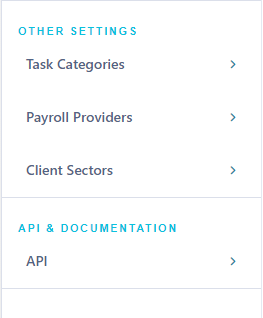
- Location the Client Sectors within the menu.
- Click the plus button on the top right to add a new Client Sector.
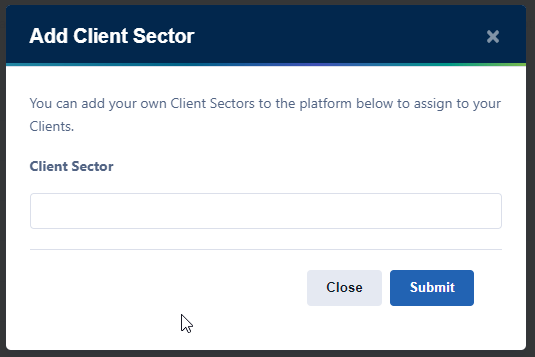
- Click submit to create the Client Sector.