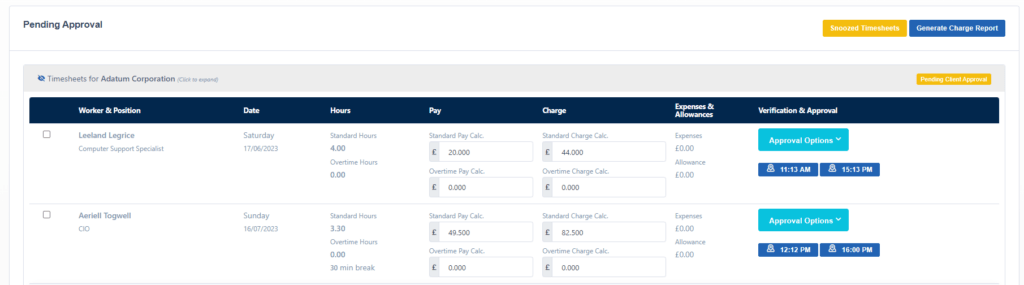
Before a client has approved the timesheet, you may want to see what hours have been submitted by a Candidate.
If the status of the timesheet looks like the below where it’s Awaiting Client you can view them ahead of approval.

To see what the candidate has submitted ahead of a client approval, head to o Bookings -> Pending Approval then you will be able to see what’s been submitted – This is a good opportunity to update them before the client approves.