
You can setup as many Consultant accounts as you require for CentricFlow.
To add a new consultant:
- Head to Account Settings (where your name is)
- Select Consultants
- Click the plus button at the top right – You will be presented with the below form.
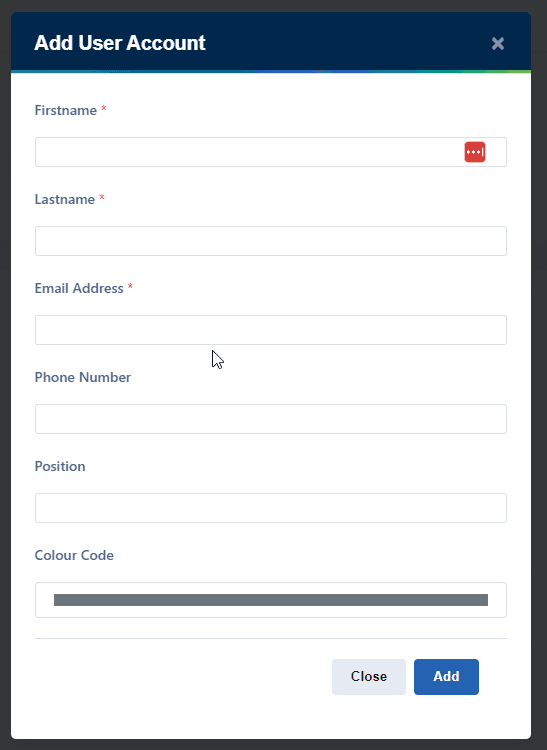
Once you have completed the form and click Add, the consultant will receive an email with their login details.
Please note new accounts do not have any permissions or notifications by default so you will need to assign these.