Question:
Integration warnings: Invoice Attn. Surname
Answer:
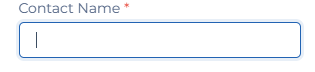
To fix the “Invoice Attn. Surname” warning you need to go to the client contacts and update the Client Contacts and then set one client contact as a Invoice contact and update the Contact Name field and click on Save button.