QUESTION:
How to re-trigger the candidate account setup process?
ANSWER:
If you head to Candidates > List Candidates, when you locate the candidate, if you click on the actions menu, you can click Reset Password and this will re-trigger the account setup process for the candidate to complete.
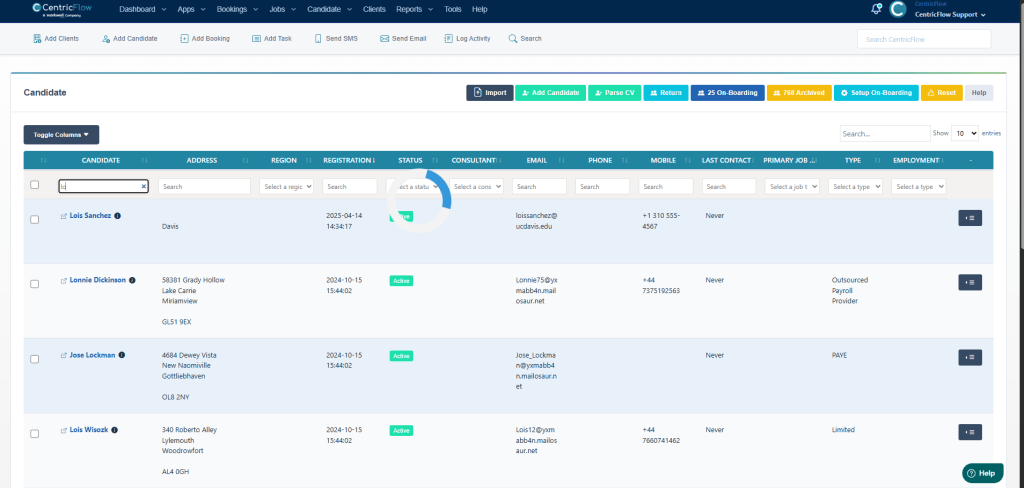
Find the candidate

Then click on Send Welcome Email

This sends an email similar to this one below
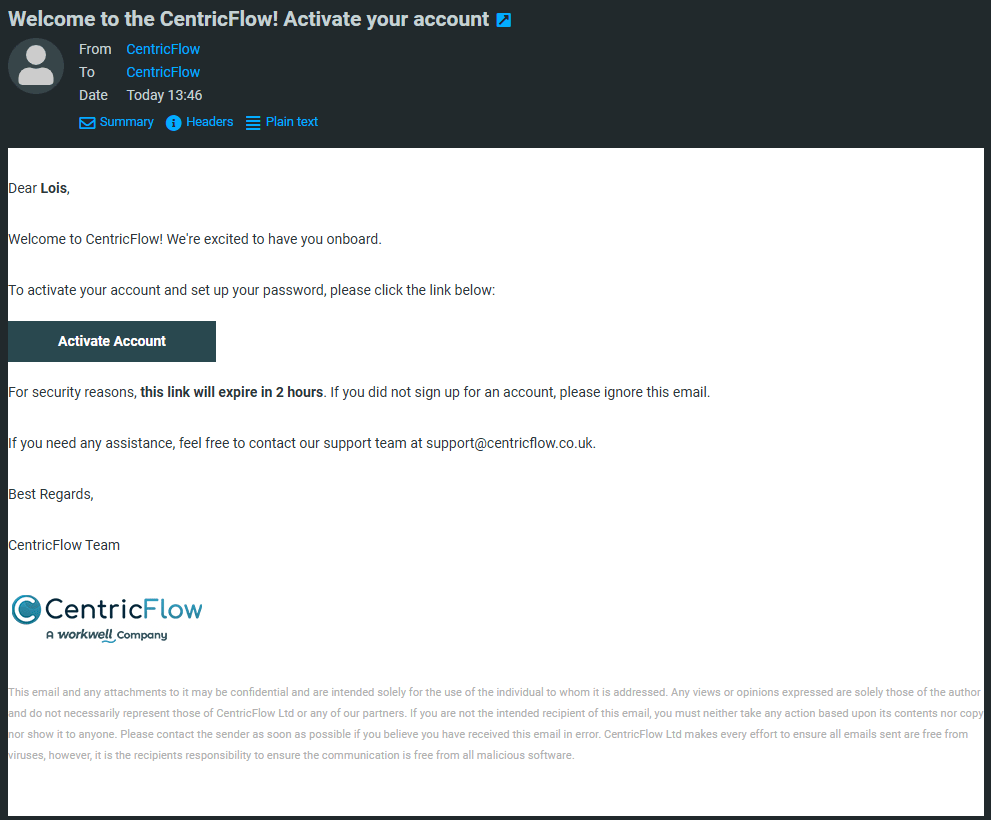
When the candidate clicks on Activate Account button/link

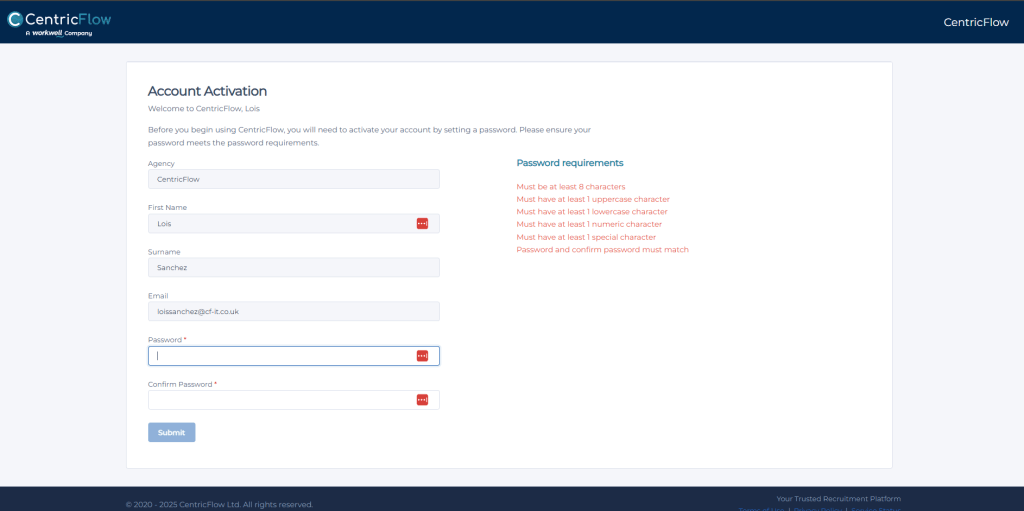
They are redirected to a page called Account Activation where they can fill in their log in details.