
Because every Agency is different, you can customised your week start on the Booking Plan.
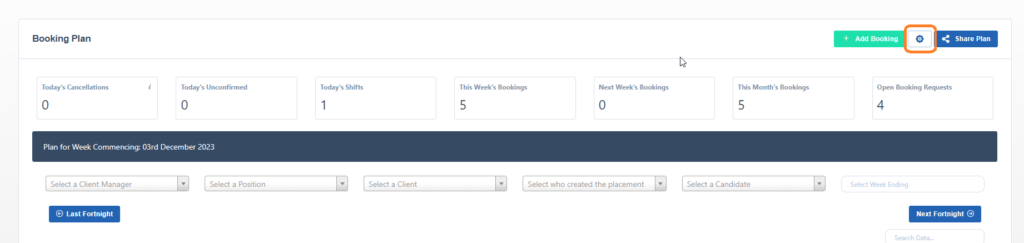
To do this, simply browse to the Booking Plan and click on the settings button, as highlighted below.
When the popup show, change the Week Start, as highlighted below, and click save.
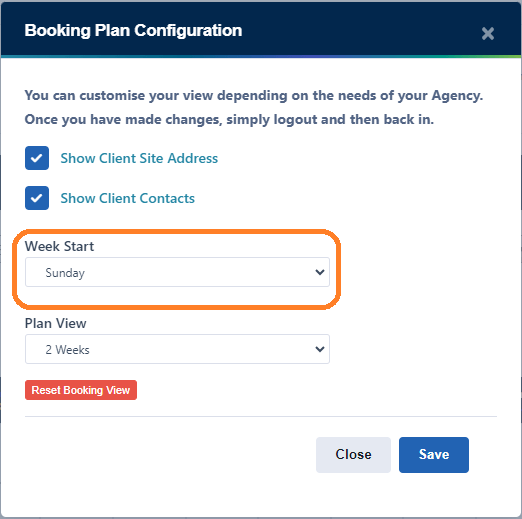
Please note you will need to logout and back in for this to take affect.