
Setting up your client custom fields can be created by completing the following steps:
- Login to CentricFlow and select the Account Settings menu

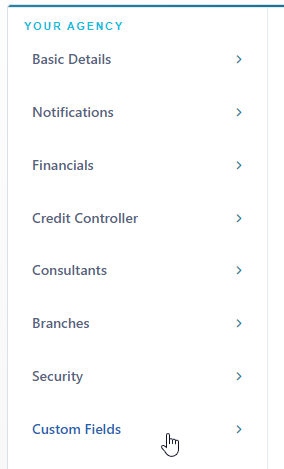
- Select Custom Fields on the Settings Menu.
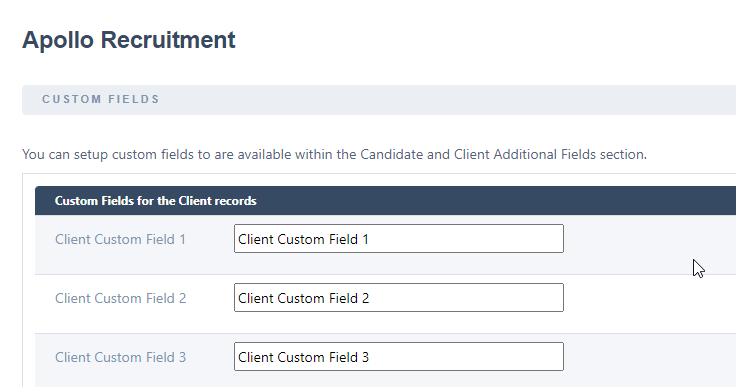
- Within the textboxes, enter the display name of the custom field, and the system will save this automatically.
- When you then visit the client profile, the custom fields will show on the basic details page at the bottom.