
Because every Agency is different, you can customised your Booking Plan to either show or hide the Client Addresses on the Booking Plan.
To do this, simply browse to the Booking Plan and click on the settings button, as highlighted below.
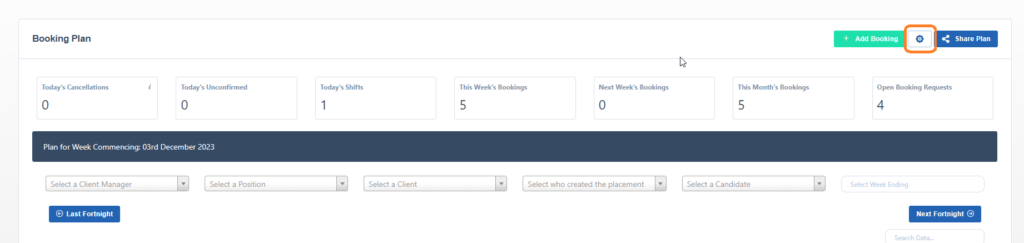
When the popup show, tick or untick the Show Client Site Addresses, as highlighted below, and click save.
