
You are able to change your password after you have logged into CentricFlow. To do this, browse to the user menu, highlighted in Orange and then select Change Password, highlighted in Green

Once you have click on Change Password and you will be presented with a password popup to change your password. You must supply your existing password and ensure your new password meets the requirements.
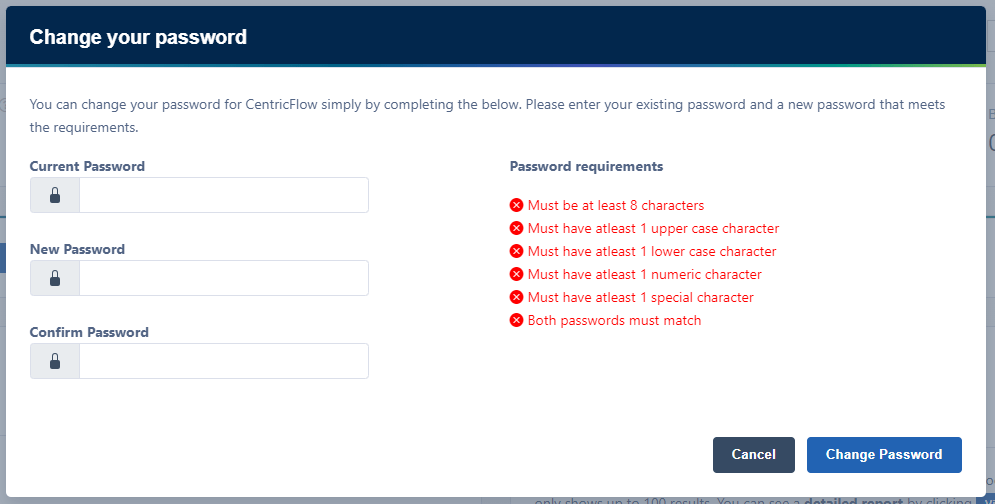
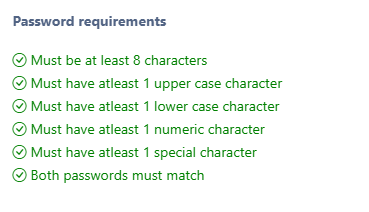
When your new password matches the requirements, you will see the requirements turn green, as shown below.
Click Change Password.
The next time you login to CentricFlow, you will need your new password to login.