
QUESTION:
Candidate availability: How can I turn off the candidate availability emails, for all candidates that are sent out please?
ANSWER:
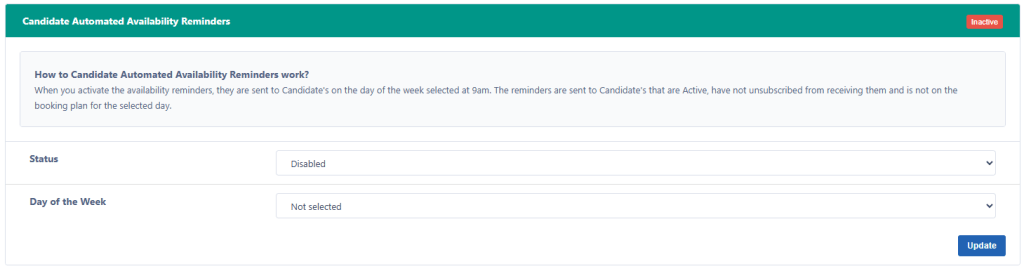
You can turn the reminder off from Settings > Notifications under Candidate Automated Availability Reminders section.
Then set the Status to Disabled and Day of the Week to Not selected.
Please click on the Update button to make sure the changes are updated.
At the moment, there is no way to filter candidates who receive this alert.