Question:
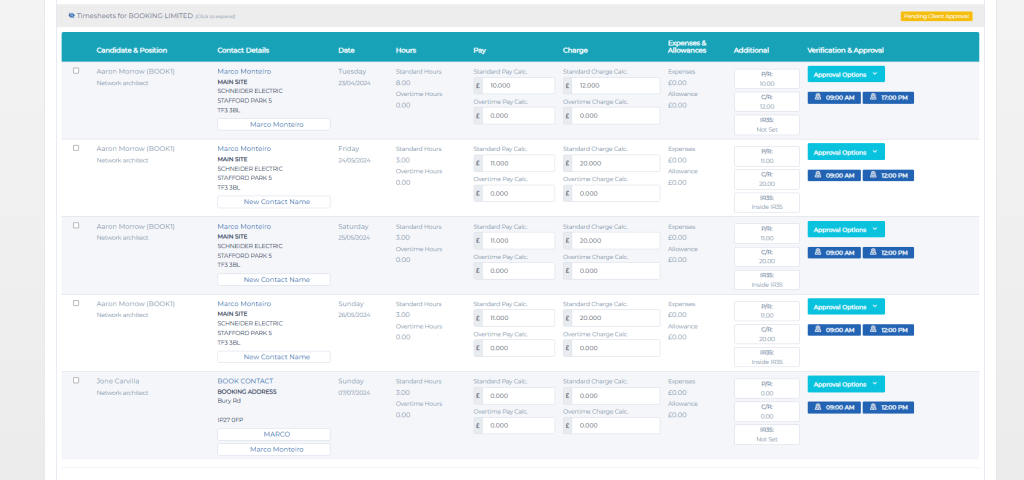
Timesheet: The Candidate timesheet has got the wrong hours in and I don’t know how to reset it?
Answer:
How to remove a timesheet?
To remove a timesheet, if they go to Online Timesheets, they can push back to pending, then go to Pending approval and delete / reject all from there.
Step-by-step instructions:
1. Go to Online Timesheets

2. Click on Back to Pending button
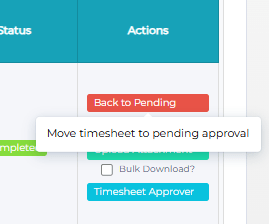
3. Then go to Pending Approval

4. Then you can delete / reject all timesheets from there.