
When setting up Booking Compliance, you can specify what skills and compliance documents are mandatory for the booking.
In the example below, we have setup some rules to govern the bookings of an Account Manager.

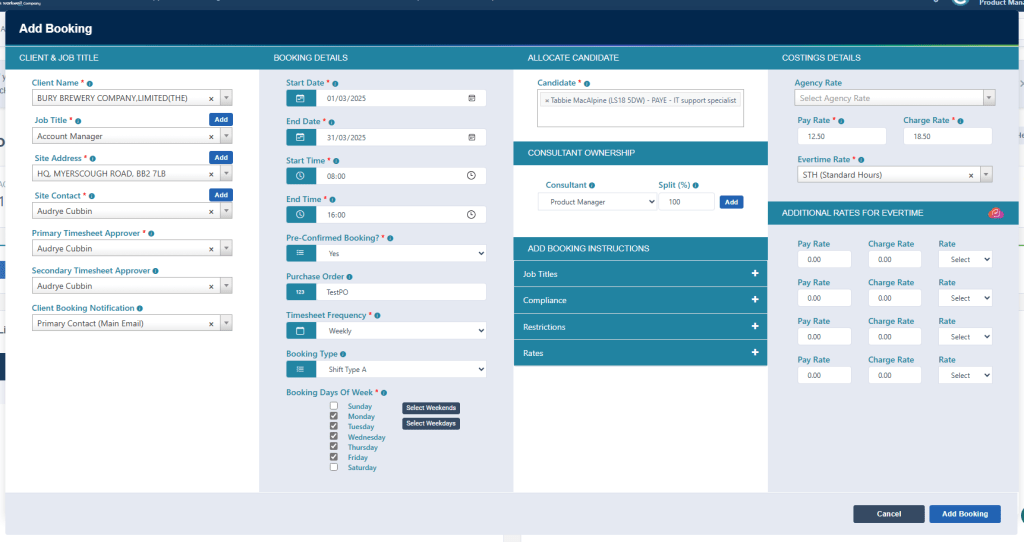
When adding the Booking, we will proceed to follow the normal process.
We will then be presented with the failure of the Documents and Skills for the booking, as shown below.
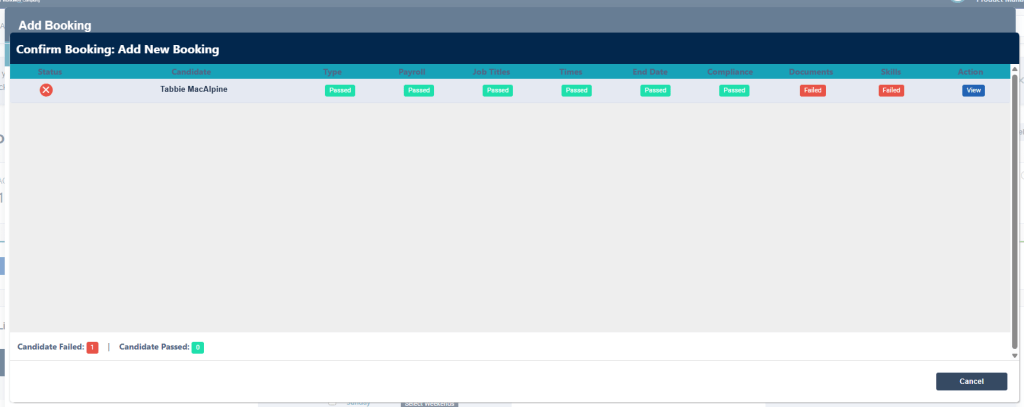
In this short video below, on the basis of the example above, we will show you how to view what documents and skills are missing for you to resolve.
Additional Support
For any additional support or queries, please raise a ticket with our Customer Success Team on support@centricflow.co.uk or using the help button on the CRM.