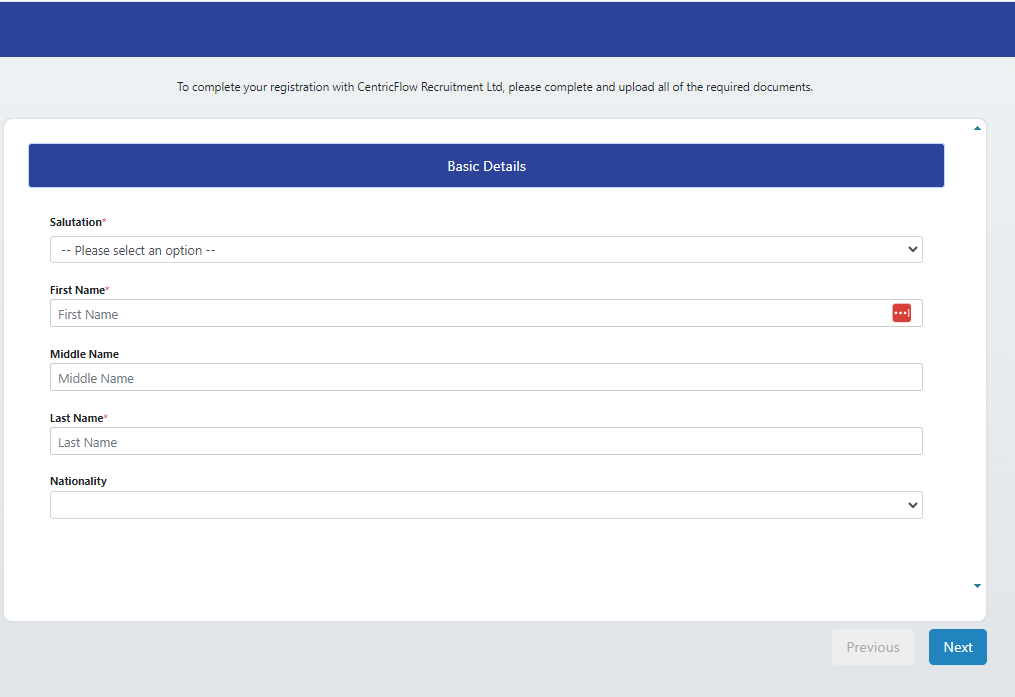
Your current CentricFlow onboarding registration link can be found here: (https://app.centricflow.co.uk/onboard?route=xxx&id=xxx&guid_id=xxxx-xxx-xxx-xx-xxxx) which can be sent manually to candidates.
Access On-Boarding Registration Link Via Candidates List Page
Alternatively, you can also find the candidate registration link within the candidates list page, see below.
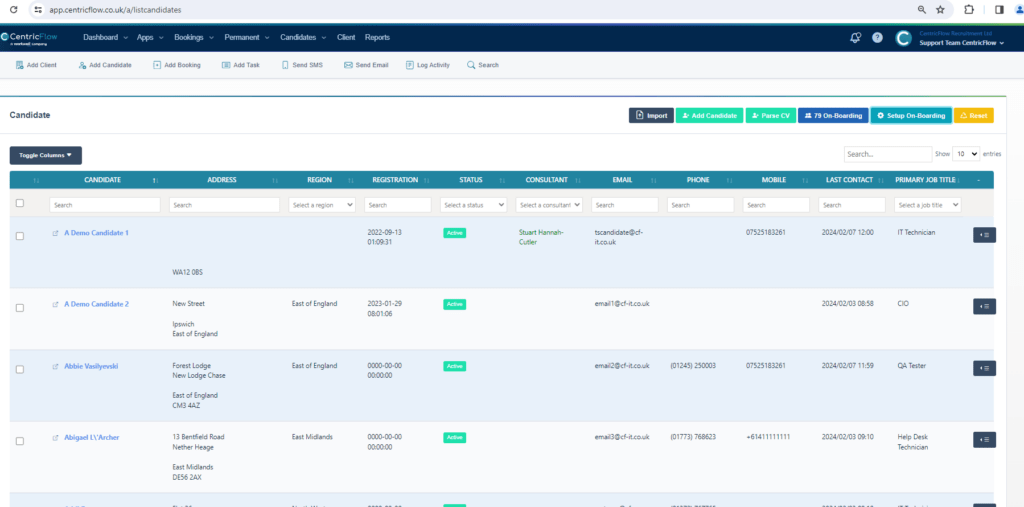
Then click on Setup On-Boarding button.
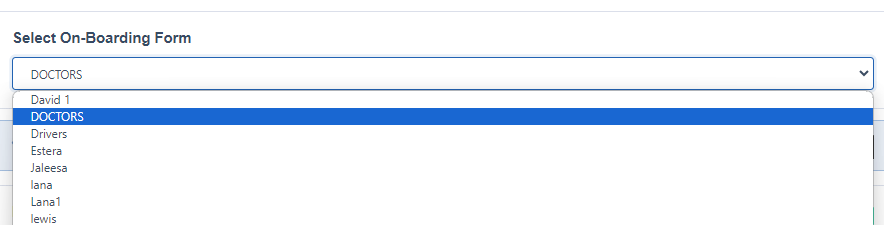
When the Setup On-Boarding Form modal window appears:

You can select the On-Boarding Form you want to use here:
Once you have selected the form you want to send to your candidates, you need to click on the Customizable On-Boarding link

This then should open the registration candidate on-boarding form in another tab.