
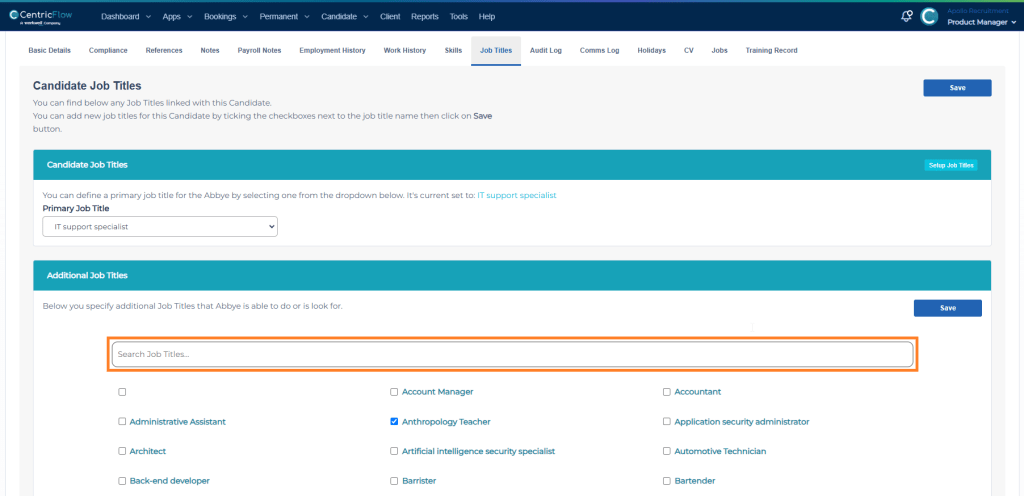
To streamline allocating job titles to a candidate profiles, you can use the search box to filter the job titles to select and allocate to the candidate.
Steps
- Browse to Candidates > List Candidates.
- Select a Candidate.
- Select the Job Titles tab.
- Locate the search bar, highlighted in the image below.
- Filter the required Job Titles.
- Tick the Job Title and repeat a search if required.
- Click Save.
Video of how to perform the above steps.
Additional Support
For any additional support or queries, please raise a ticket with our Customer Success Team on support@centricflow.co.uk or using the help button on the CRM.