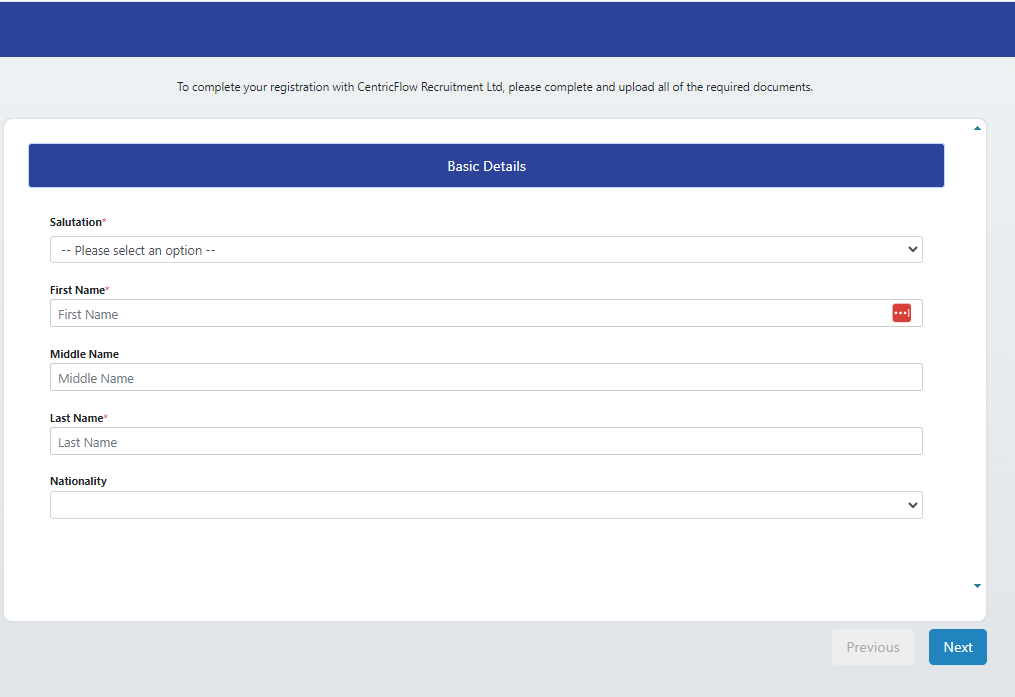
Access On-Boarding Registration Link Via Candidates List Page
Watch this video entitled
How To Access Candidates OnBoarding Registration Links Video?
Or follow these guide below:
You can find the candidate registration link within the candidates list page, see below.
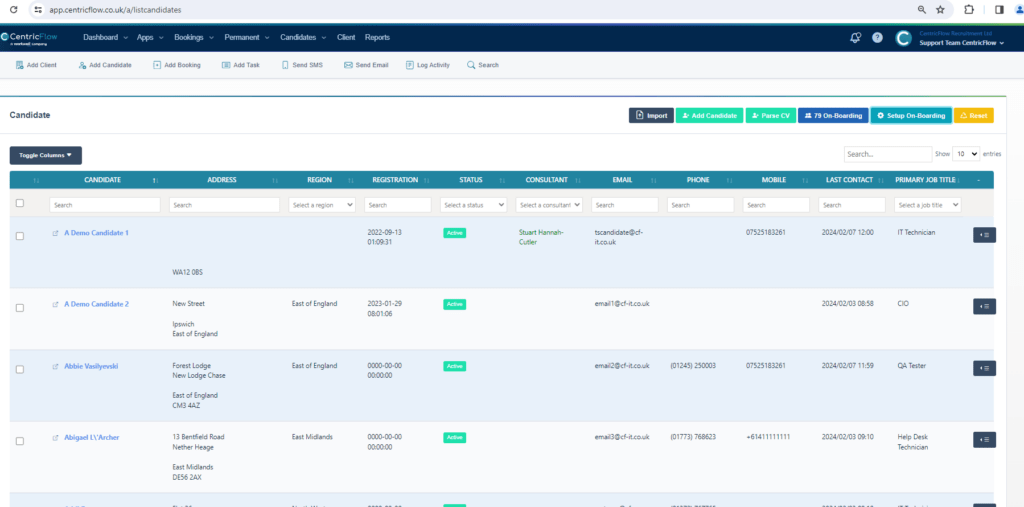
Then click on Setup On-Boarding button.
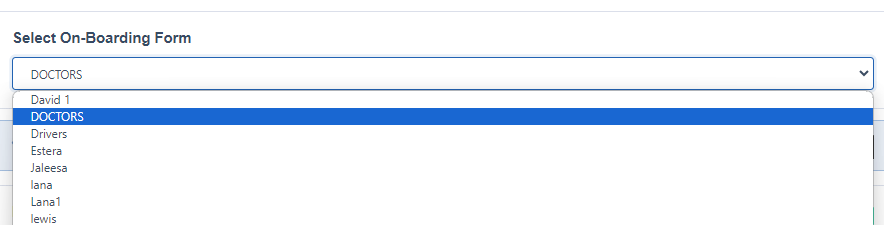
When the Setup On-Boarding Form modal window appears:

You can select the On-Boarding Form you want to use here:
Once you have selected the form you want to send to your candidates, you need to click on the Customizable On-Boarding link

This then should open the registration candidate on-boarding form in another tab.