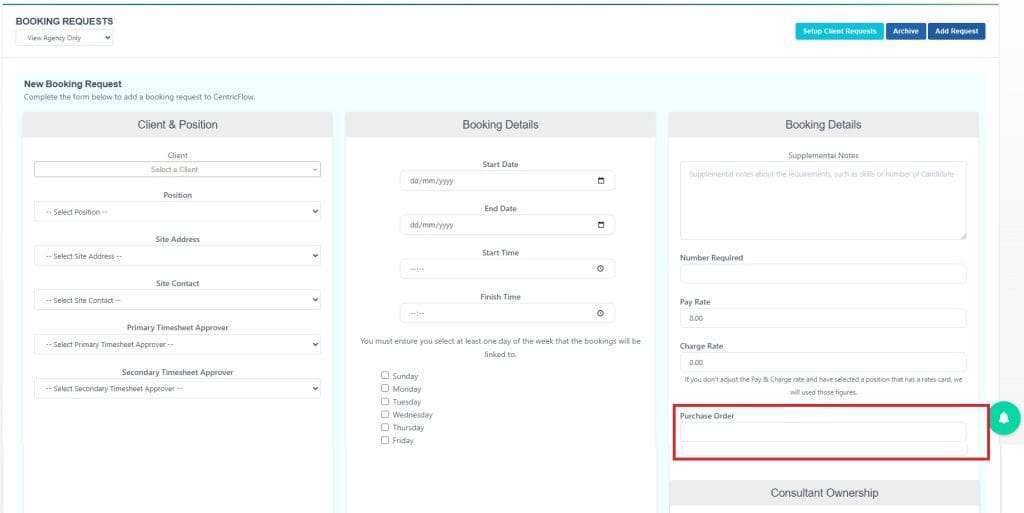
To add a PO Number (Purchase Order Number) to a booking request in CentricFlow you need to:
- Click on Bookings in the main menu
- And then click on Booking Requests
- then when the Booking Requests page appears click on Add Request button
- The Booking Request page should appear
- There is a Purchase Order field in the last section entitled “BOOKING DETAILS“