
Before you assign a Consultant to a Client, you need to ensure you have followed the steps here to add a new Consultant. Once you have added a new consultant, please follow the steps below to assign the consultant
- Login to CentricFlow and head to Clients.
- Click on the Client you would like to assign a Lead Consultant to.
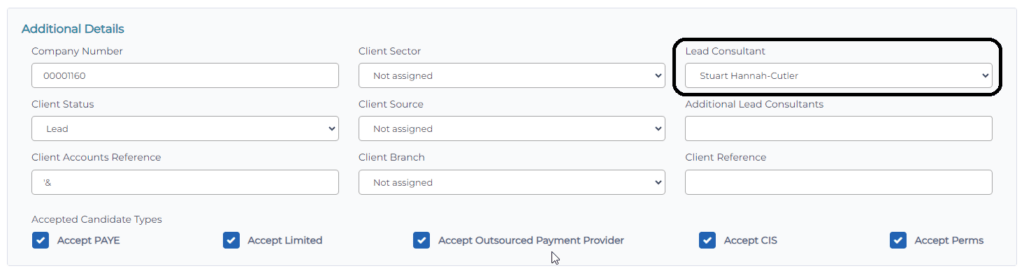
- Select the consultant name from the list and click Save.