
To generate your idibu account login keys, please follow the steps in this article.
You need to create a private application inside your idibu v3 account to generate the Secret and ID keys that will enable you to connect to the idibu system.
- Inside your idibu account navigate to the Developer area https://v3.idibu.com/c/developer
- Click the “Create an application” button

- Add a name for your application (for example CentricFlow) and click save

- Navigate back to https://v3.idibu.com/c/developer/
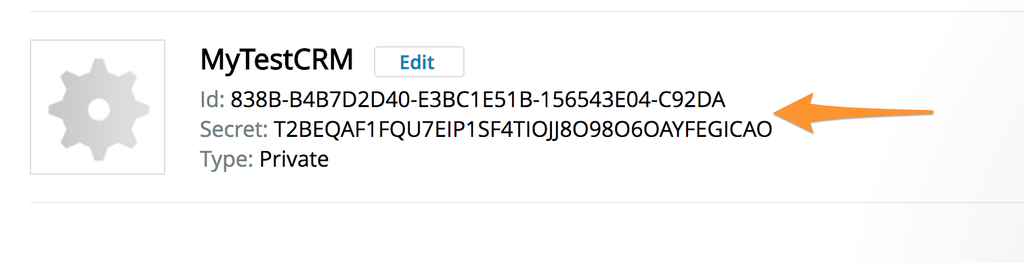
- Record the ID and SECRET of your application
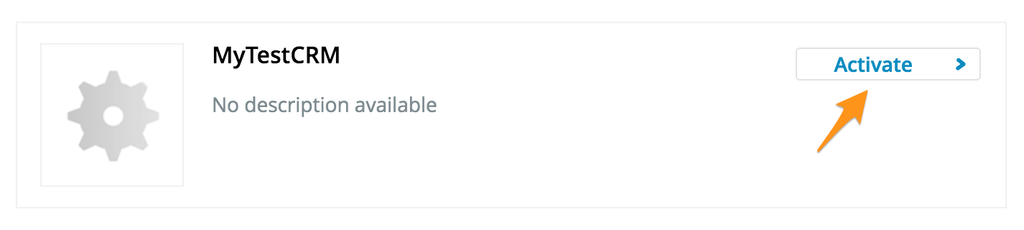
- Navigate to “Settings” -> “Manage plugins & addons” or directly to https://v3.idibu.com/c/applications/manage and enable the plugin you just created.
- You are ready to go.
Additional Support
For any additional support or queries, please raise a ticket with our Customer Success Team on support@centricflow.co.uk or using the help button on the CRM.