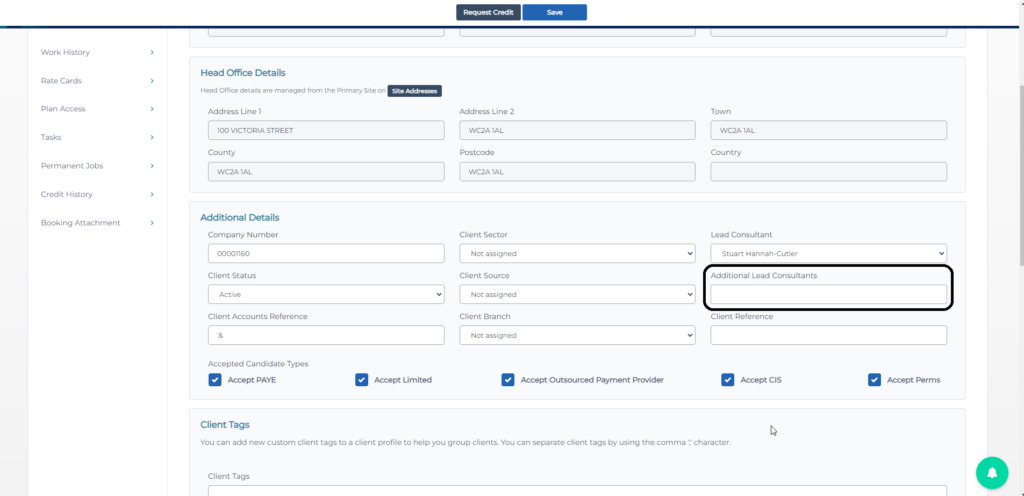
To add an additional lead consultant for a client can be completed using the following steps:
- Login to CentricFlow and click on clients
- Locate and click on the client you would like to add a lead consultant to.
- On the Client profile, locate the section named additional details.
- Select from the list the consultants you would like to add as an additional consultant.