
How do I see which consultant has parsed a CV?
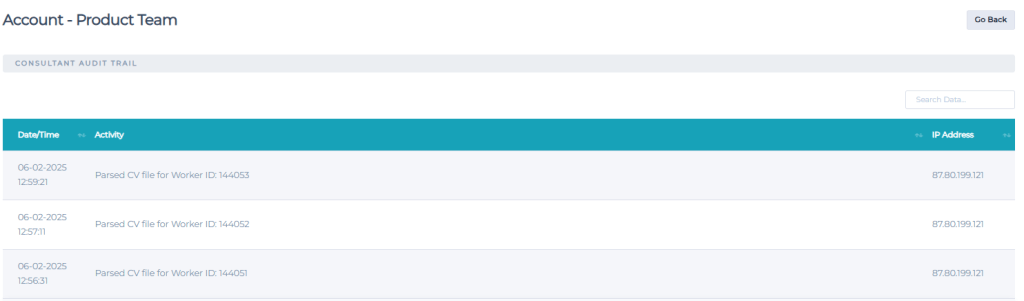
When a CV is parsed, we will log this against the Consultants audit log, allowing you to see which candidates have been added via the CV Parser. You can also view this within the Candidate Notes.
Example of the audit log after candidates have been parsed:
Example of the candidate notes:

Additional Reading
- Daxtra: Getting started with Daxtra.
- Daxtra: What is Daxtra?
- Daxtra: How do I enable Daxtra?
- Daxtra: How do I parse a CV?
- Daxtra: Where can I view the parsed CV?
- Daxtra: How do I import the skills that have been detected by Daxtra?
- Daxtra: What happens if it’s unable to parse their name?
- Daxtra: What happens if the candidates email already exists?
- Daxtra: What information can be included in a Parsed CV?
Additional Support
For any additional support or queries, please raise a ticket with our Customer Success Team on support@centricflow.co.uk or using the help button on the CRM.