
QUESTION:
Can we make alterations to the welcome email so we can include things from our generic welcome email?
ANSWER:
If you head to Settings > Notifications (https://app.centricflow.co.uk/a/settings/notifications) you will be able to adjust the Candidate Welcome email here.
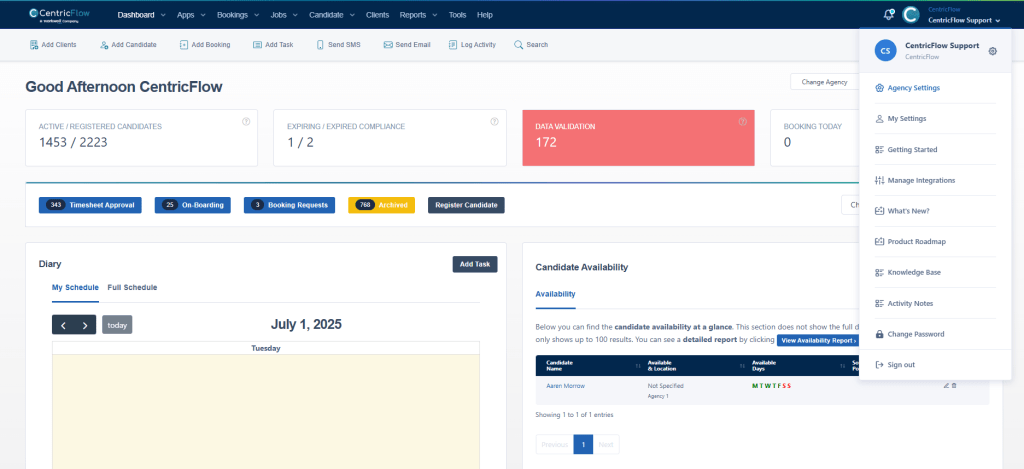
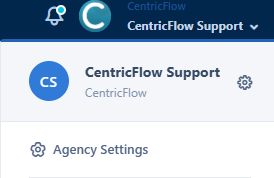
Click on Agency Settings link.
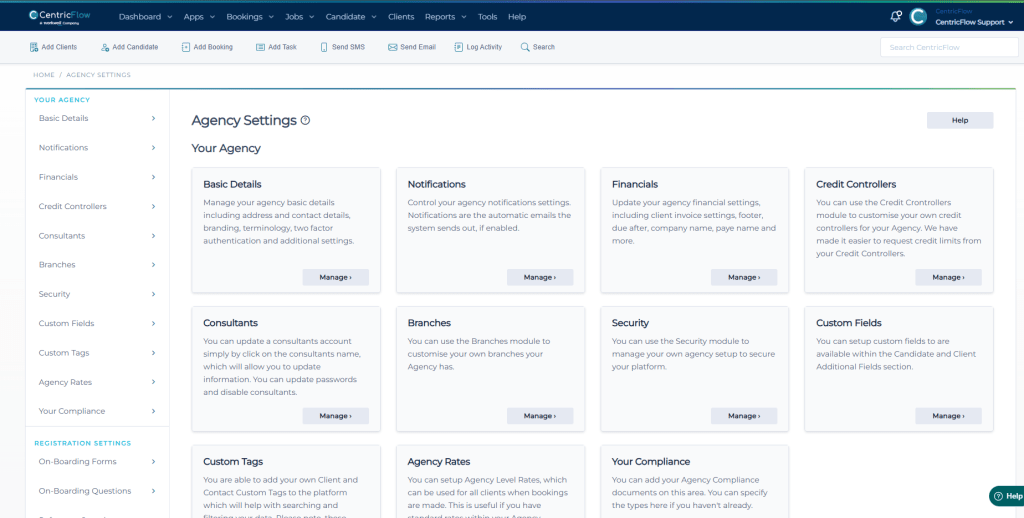
The Agency Settings page should appear.
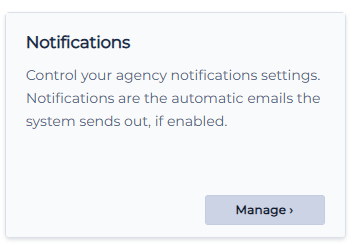
Click on Manage button under Notifications section.
The System Notifications page should appear.
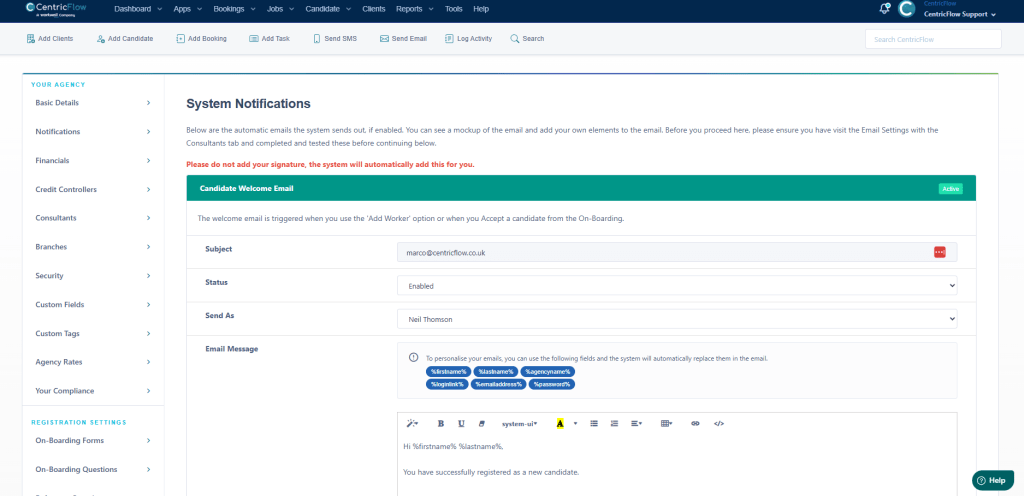
You can edit the Email Message field in the Candidate Welcome Email section.
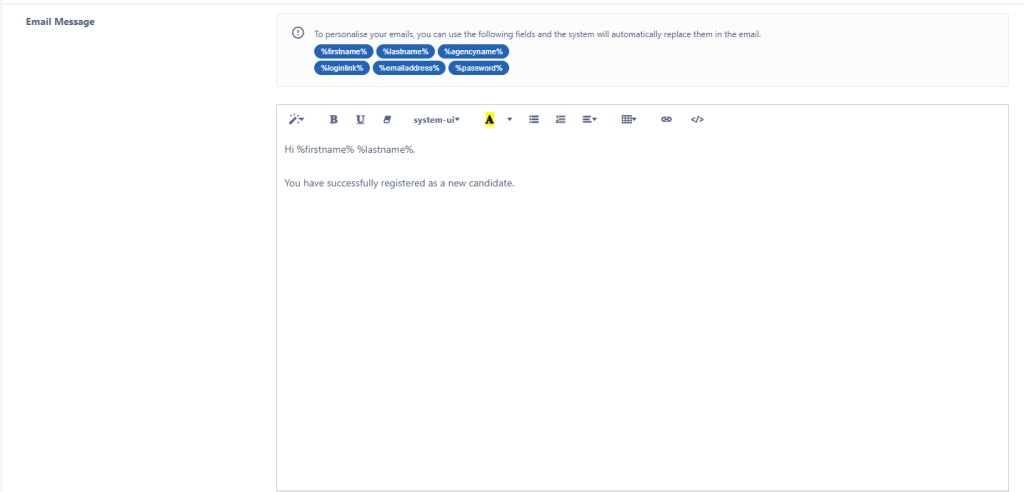
Then make sure you click on Update button.
